01 / Fashion & editorial
Fashion. With a point of view.
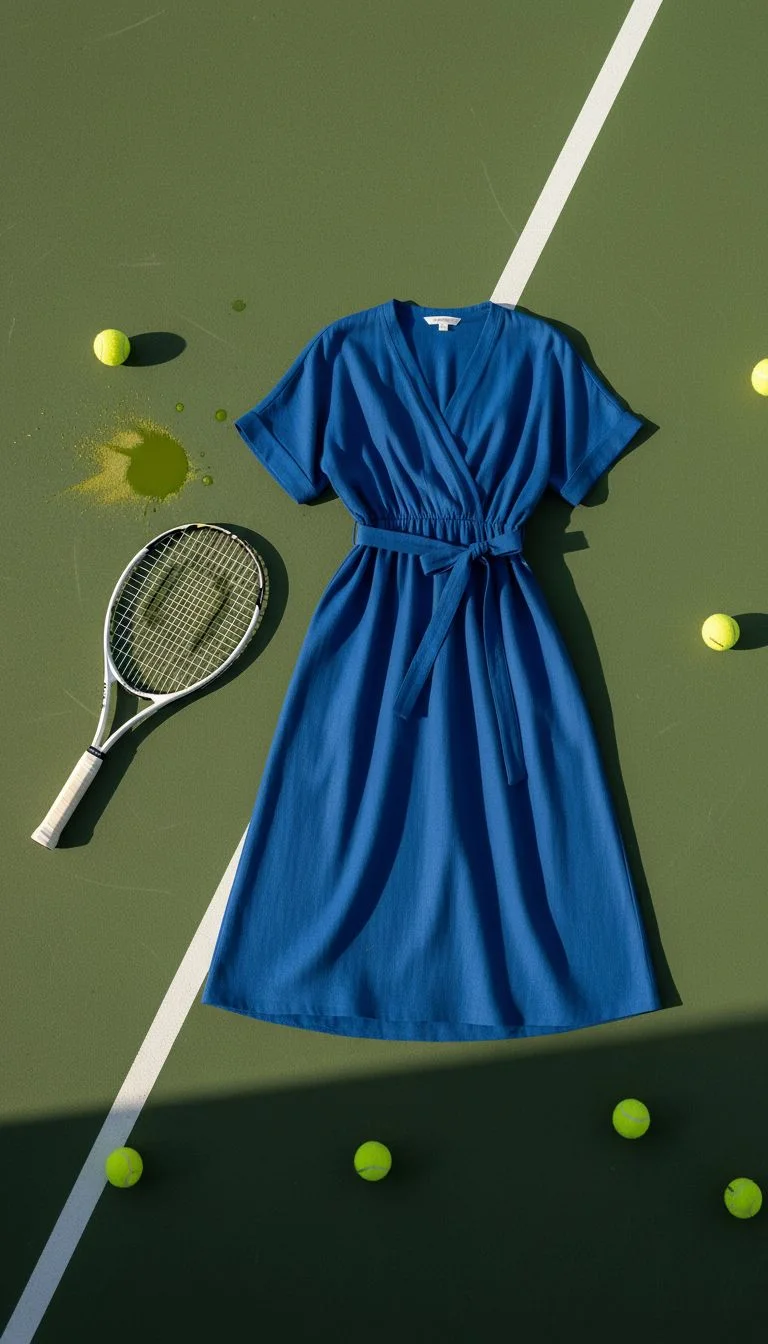
Explore silhouettes, textures, and the space around your subject. Direct the light and camera look to build your own visual language.
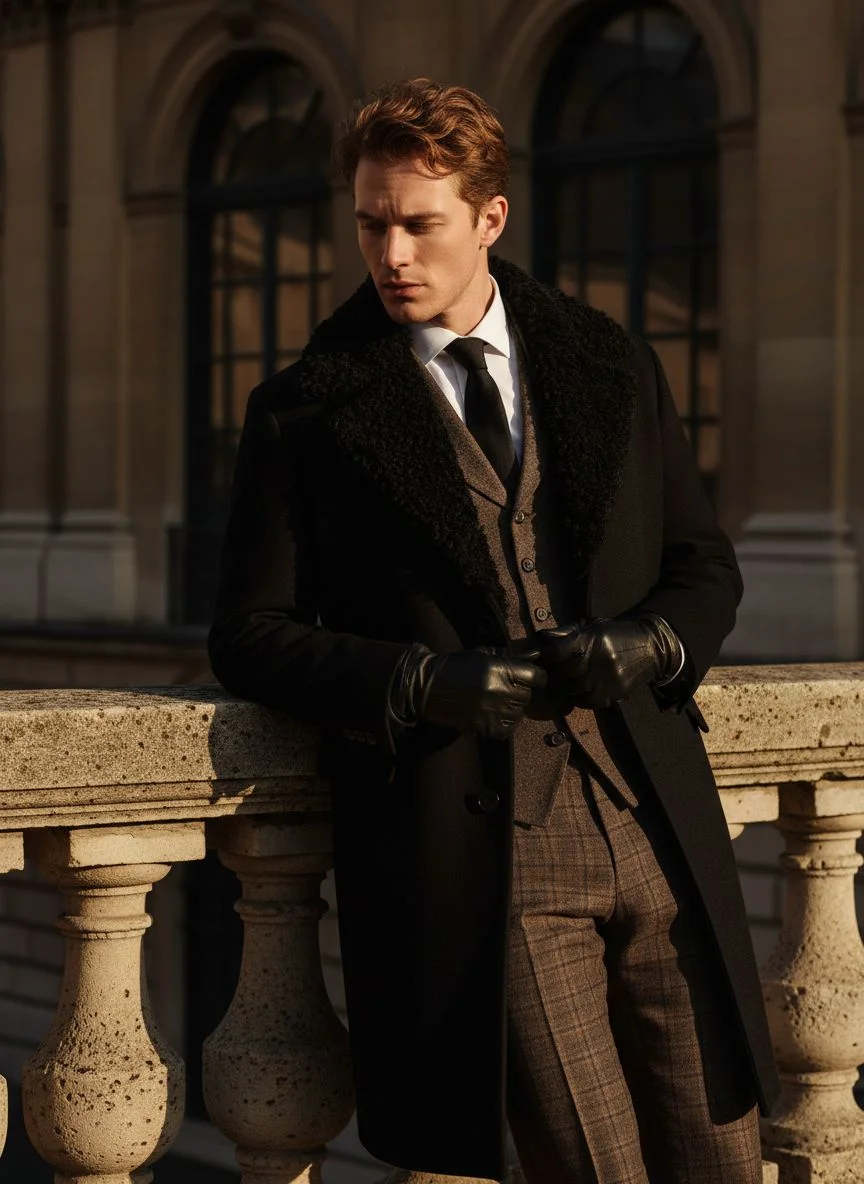
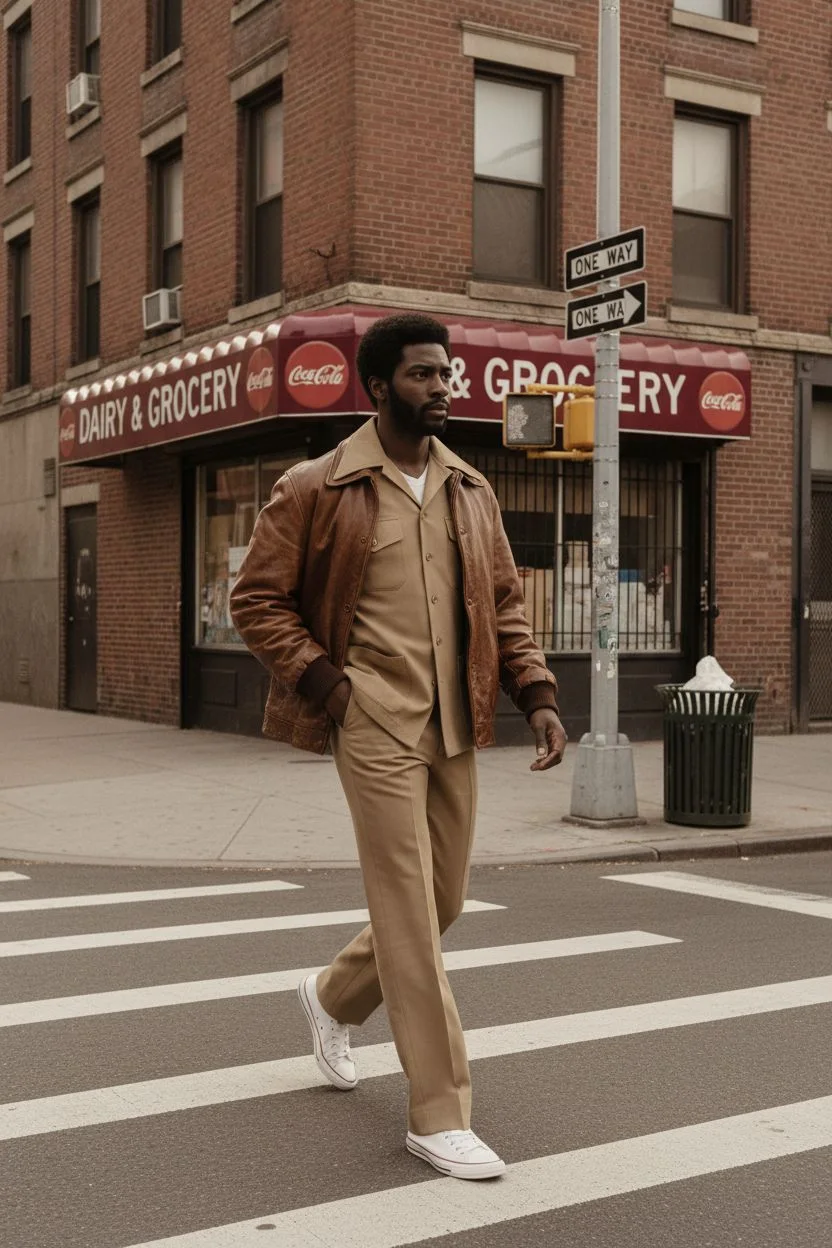
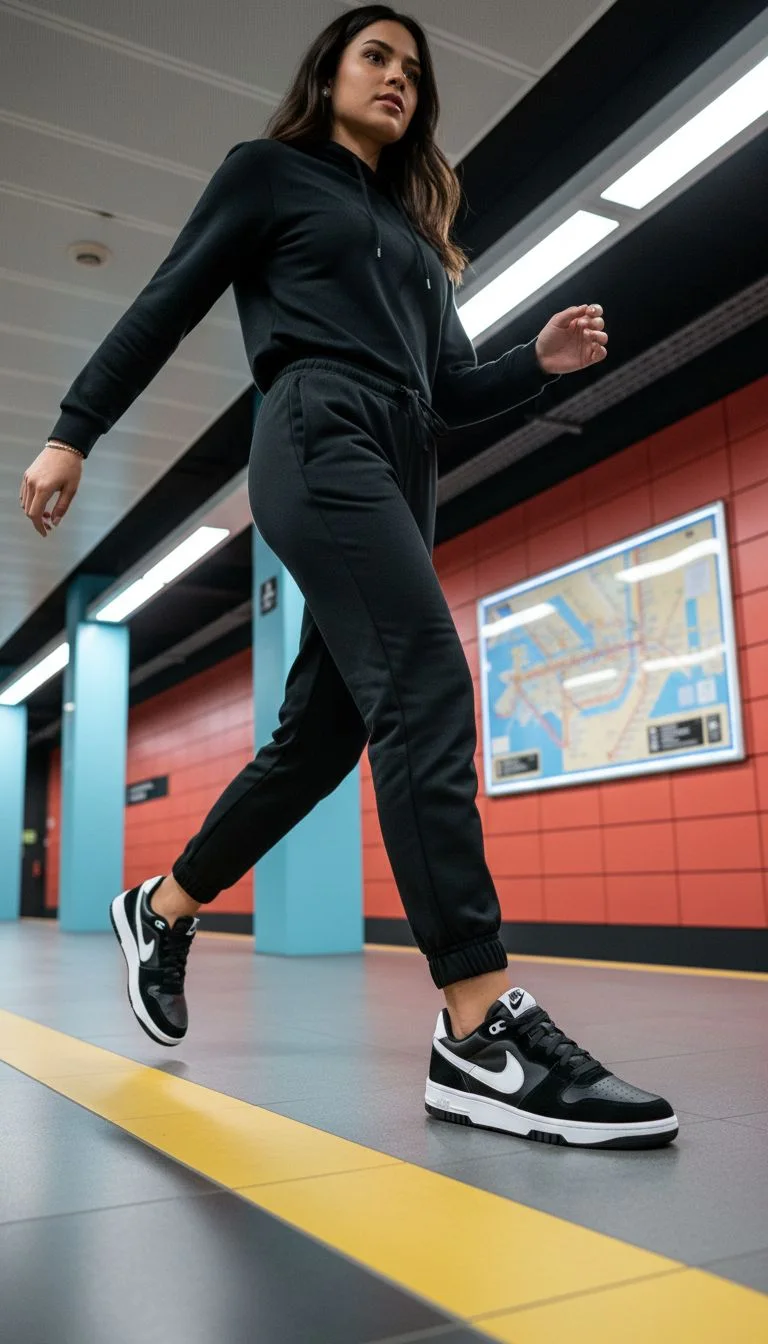
Your idea. Your subjects. A whole new shoot. Create product, fashion, editorial, and lifestyle images with a shared creative direction.
3, 6, or 12 shots · Four aspect ratios · Your creative direction
Make a statement.
The creative brief
One direction. Room to explore.
An open brief
A few possibilities from the Adhalla creative gallery. These existing examples illustrate styles to explore; they are not a single Photoshoot result.
01 / Fashion & editorial
Explore silhouettes, textures, and the space around your subject. Direct the light and camera look to build your own visual language.
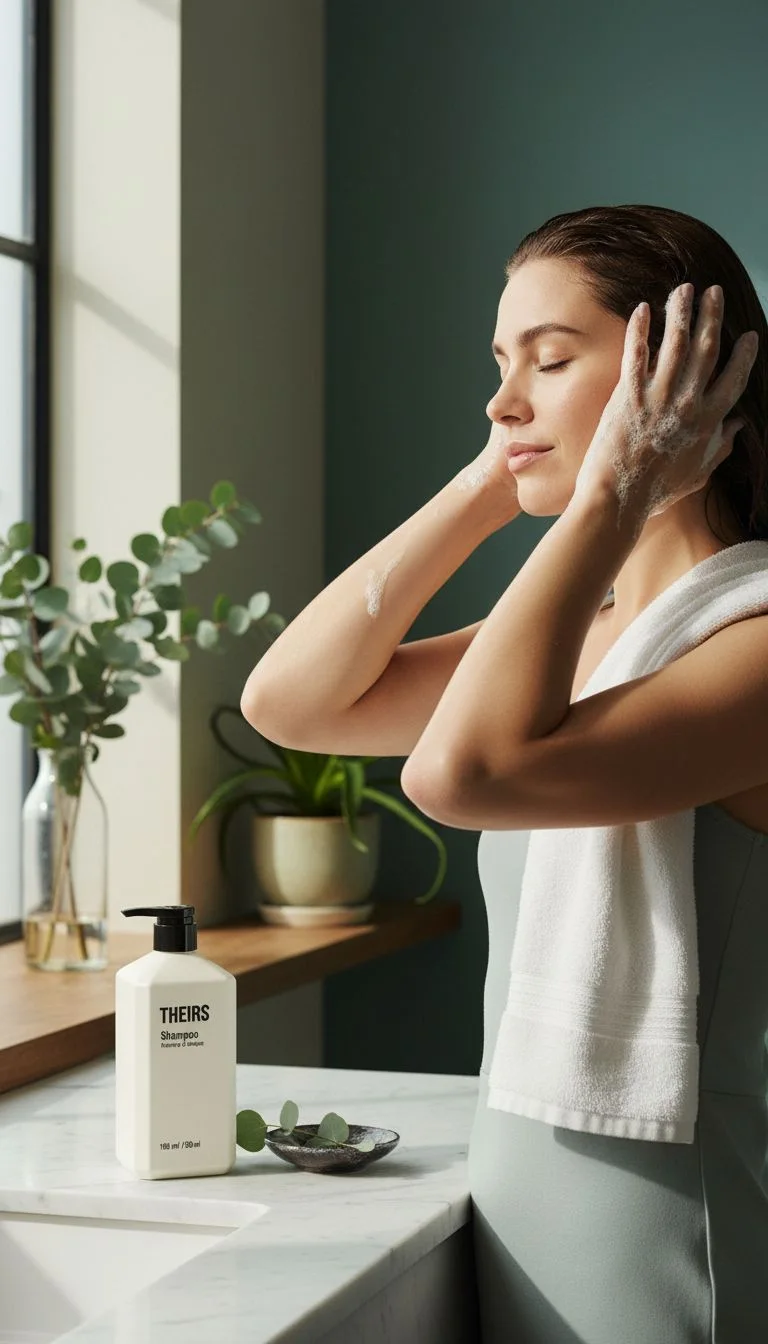
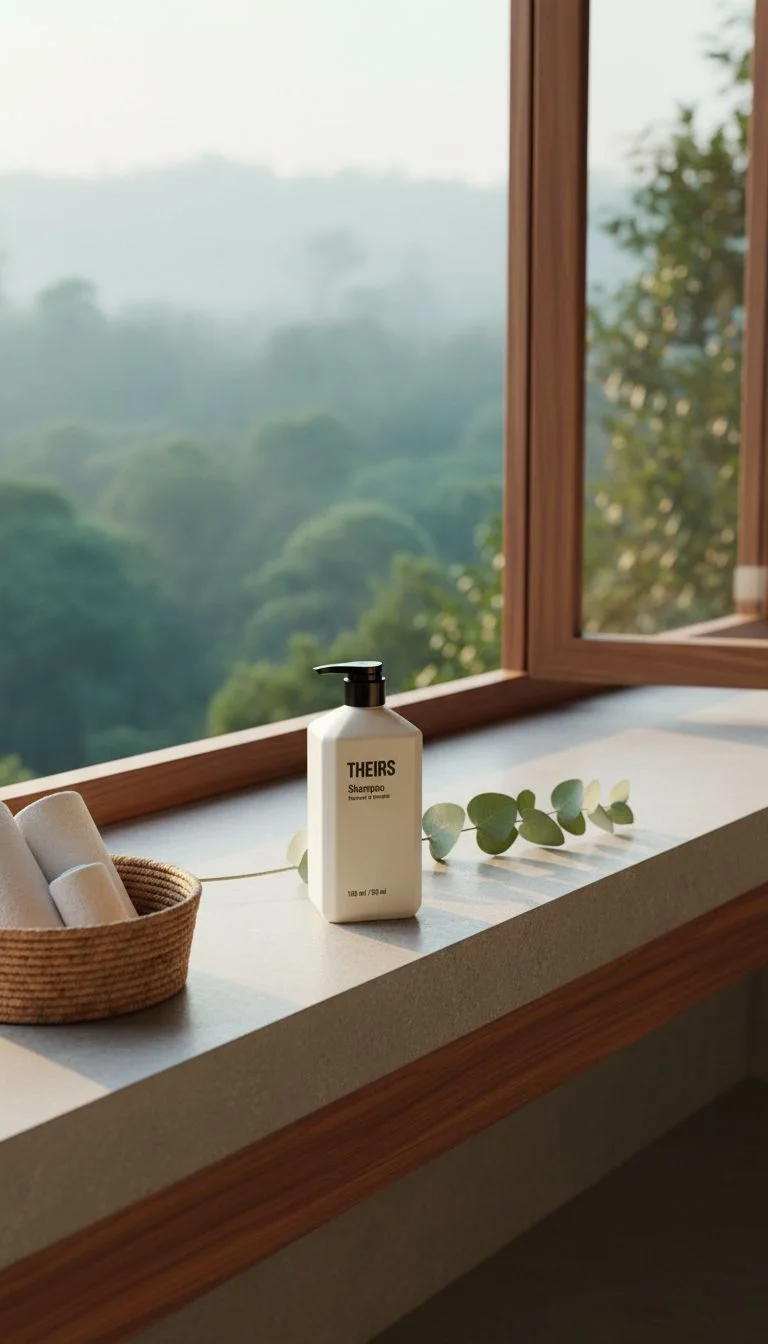
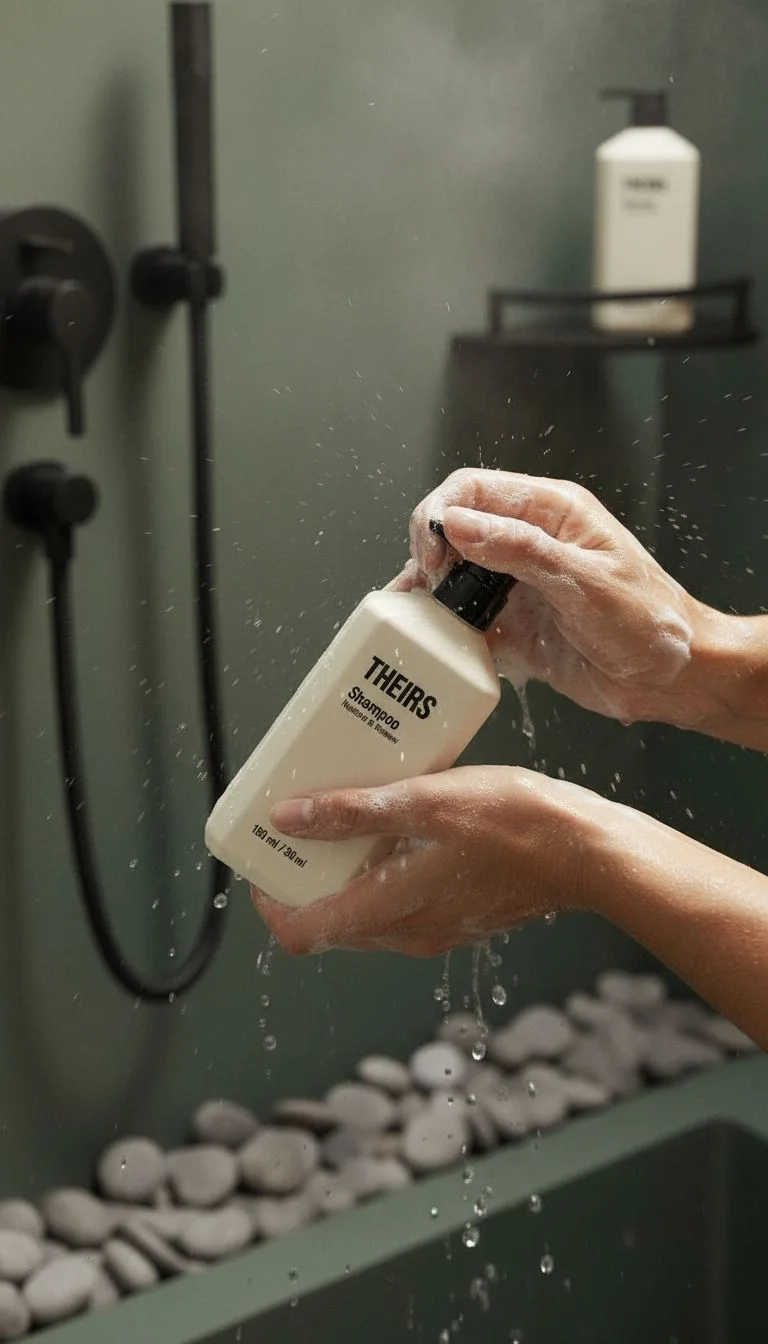
02 / Beauty & product
Bring products into the moments they belong in. Combine a product reference, a setting, and a creative brief for a shoot with a purpose.
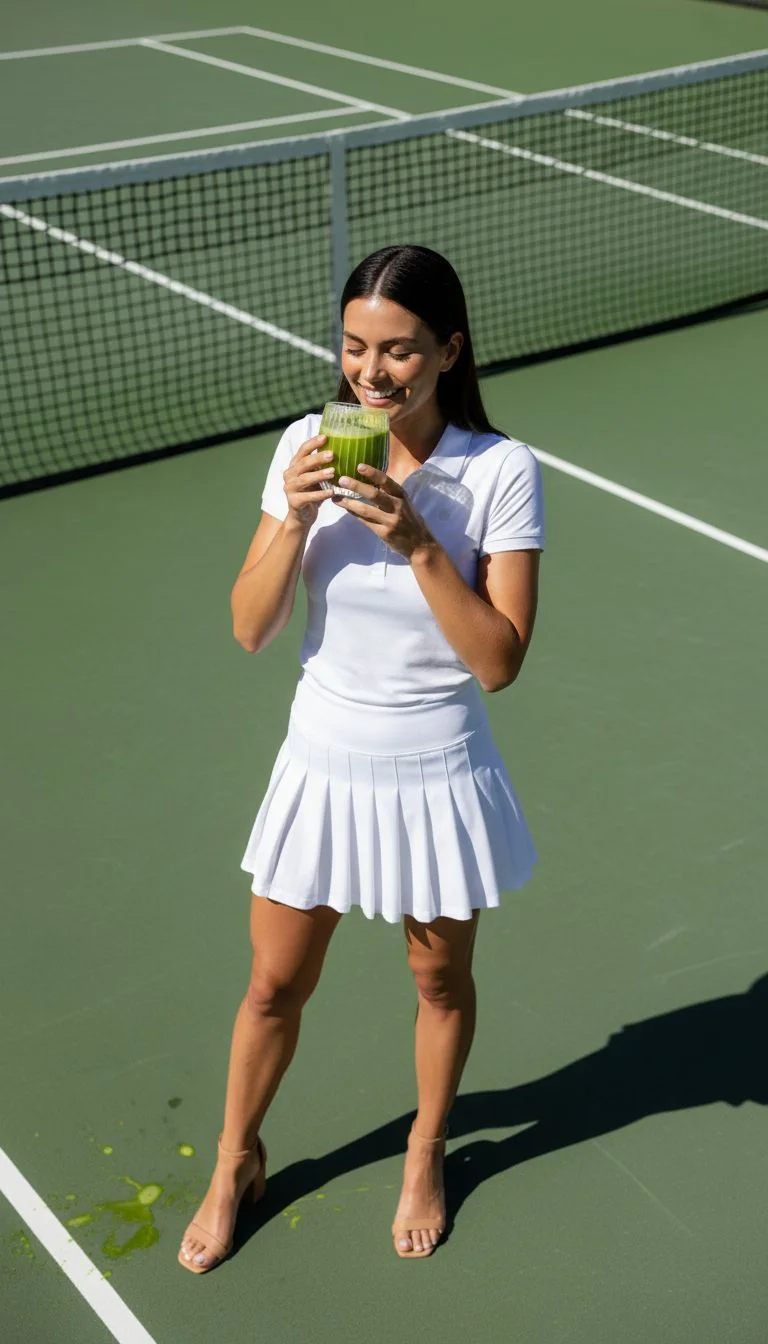
03 / Lifestyle & creative
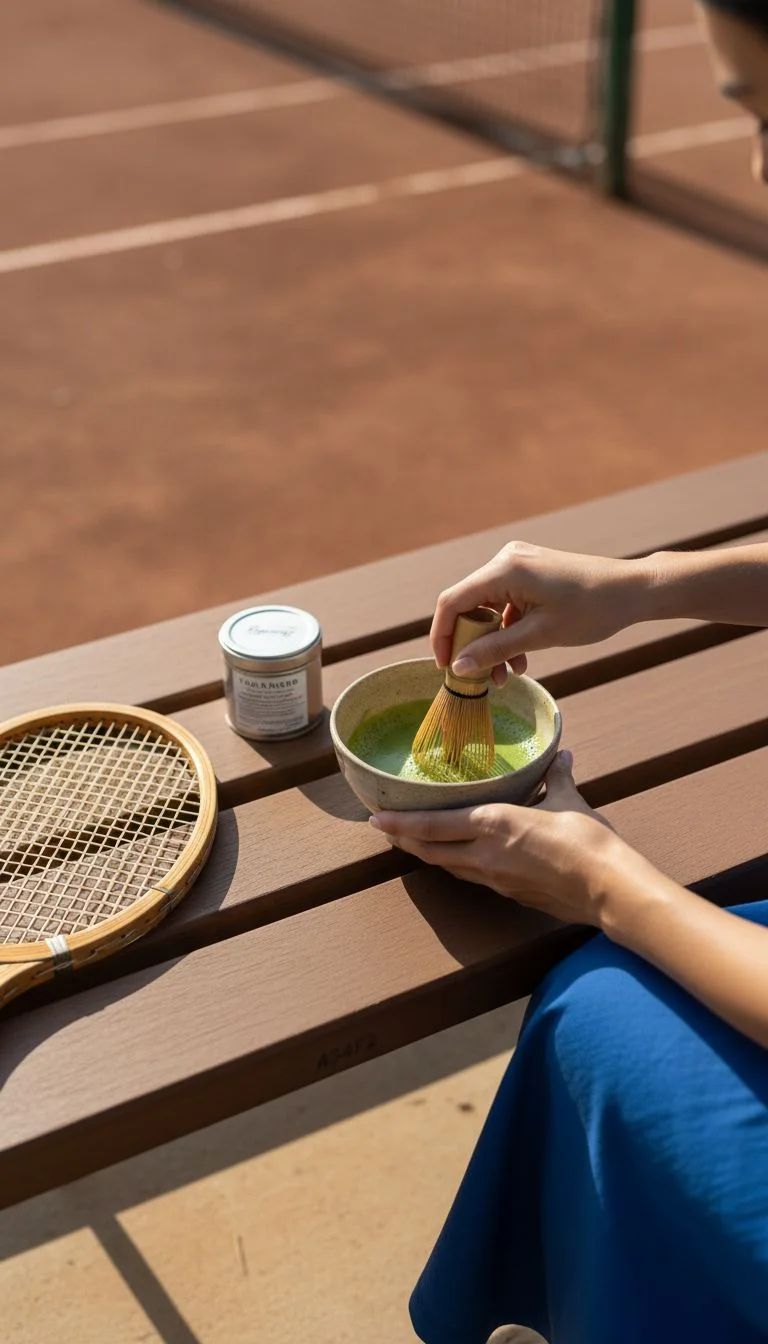
A café, a court, a sunlit kitchen. Start with a mood and give the scene a story through details, composition, and atmosphere.
Choose a saved avatar, a product, or reference images. Add a brief describing the shoot you have in mind.
Choose a style, environment, camera look, aspect ratio, and how adventurous the variations should be.
Choose your image pack. Review the master shot and its variations, then save or download the frames you want.
Use an image as a base for more angles, or continue a previous shoot. Review continuity before publishing.
Shoot DNA carries the subjects, setting, and photographic direction across the set. Variation controls give you room to experiment with framing and composition.
AI can still change labels, faces, clothing, or small details. Review every frame against your references before using it.
Your direction board
Small idea. Big campaign.
Mini
3shots
6 credits per new shoot
Explore a first direction.
Full
6shots
12 credits per new shoot
Build a focused image set.
Campaign
12shots
24 credits per new shoot
Give a bigger brief more room.
Available formats: 1:1 · 4:5 · 9:16 · 16:9. Check the studio’s displayed charge before generating.
The studio walkthrough
Turn a brief and visual references into a product, fashion, or lifestyle shoot.
The continuity checklist
Plan the anchors, direct the variations, and review what changed between frames.
The editorial brief
Build a fashion story through styling, shot planning, and careful garment review.
An AI photoshoot creates a set of related images from a creative brief and visual references. Adhalla lets you direct the subjects, style, environment, camera look, and creative variation.
No. Use it for product, beauty, fashion, editorial, and lifestyle imagery. You can choose saved avatars, products, and reference images to guide the shoot.
A new Mini shoot contains 3 shots for 6 credits, Full contains 6 shots for 12 credits, and Campaign contains 12 shots for 24 credits. The studio shows the charge before generation.
Yes. Expand a base image into additional angles, or continue an existing shoot. Check the studio for the image count and credit charge for the selected action.
Shoot DNA guides continuity, but generation is not an exact reproduction process. Check faces, packaging, logos, garment construction, and small details in every image before publishing.
Photoshoot focuses on a related photographic image set. Vibe Studio builds around a reusable aesthetic and can animate selected stills. Poster Ads focuses on designed advertising compositions and typography.
Choose a square 1:1, portrait 4:5, vertical 9:16, or landscape 16:9 aspect ratio. Save or download the completed frames from the studio.
Your studio is ready
A new collection. A product launch. An idea you cannot stop thinking about. Give it a direction.
Create your photoshoot